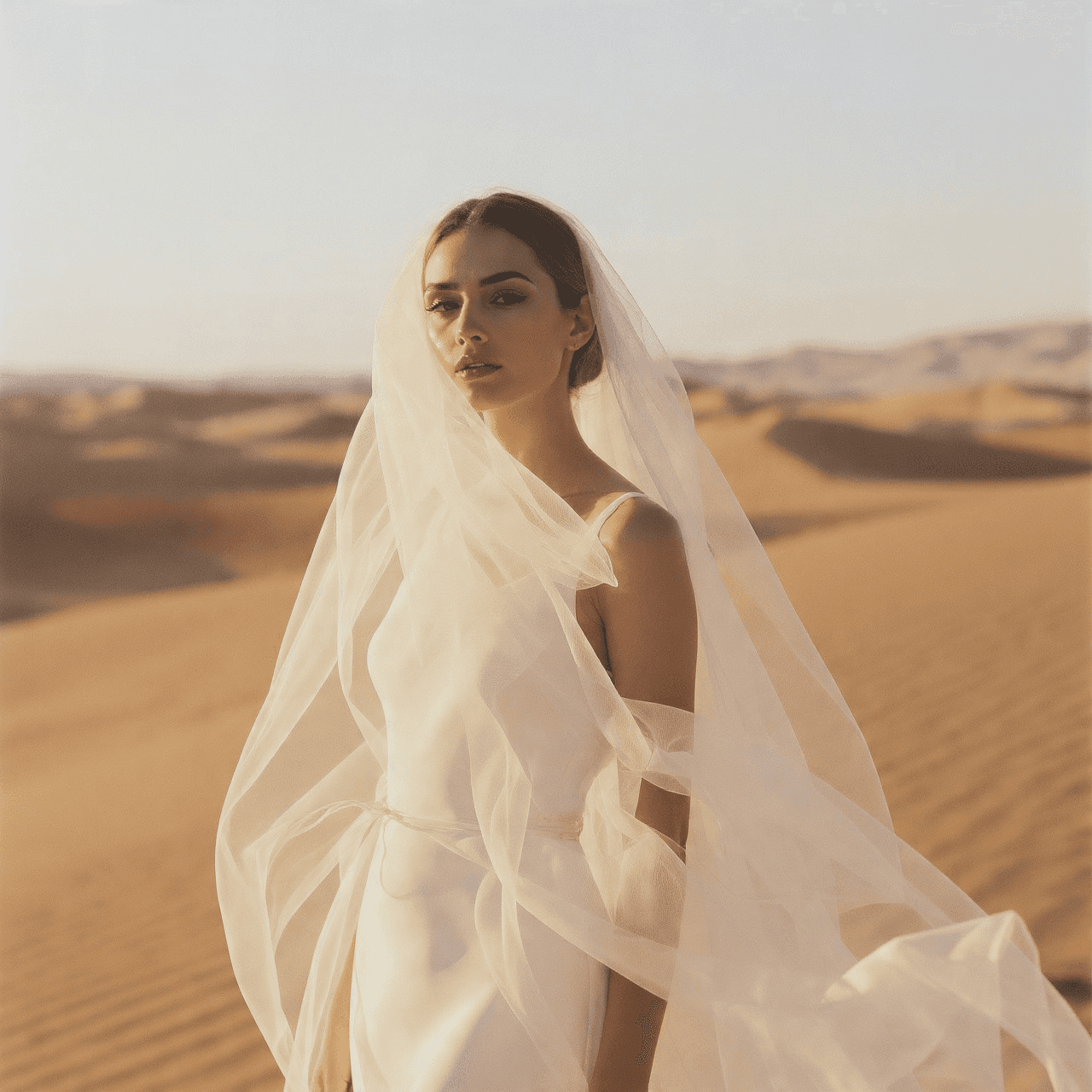
Easy ways to fix photos after the shoot new bright sure
Simple editing techniques to enhance colors, brightness, and details while keeping photos natural.
Nasir Nawaz

Editing photos can turn good shots into great ones. Adjusting light, colors, and sharpness helps your work look clear and strong. Small tweaks can bring out moods, make details pop, and keep photos feeling real. Learning basic tools and steps lets you polish images and build your style while keeping them bright, clear, and full of life.
Pick software that is easy to use
Simple software helps you work fast. Tools like Lightroom, Photoshop, or Snapseed let you fix colors, brightness, and small details. Pick the one that fits your style and makes editing smooth and easy, even for beginners.
Lightroom works well for many photo batches
Photoshop helps fix details and small flaws
Snapseed is easy for phone editing tasks
Pick tools that match your workflow style
Steps to edit photos that look real and bold
Good editing keeps photos feeling true. Adjust light, shadows, and colors without overdoing it. Use layers and masks for precise changes. Highlight key areas and soften parts that distract. Small touches can make eyes, skin, or skies pop naturally. Practice keeps your work smooth and consistent. Editing is part of the art, helping your images tell stories, feel alive, and look strong. Keep learning new tricks, but always keep photos feeling real and easy on the eyes.